
Avast Antivirus
Avast Antivirus is a free antivirus program from Avast Software for Windows, also available for macOS, Android and other platforms.
0.9 GB

Panda Antivirus is a security program for Windows from Panda Security, protecting against viruses and other malware.
Average 0.0 · ratings: 0
Thank you! Your rating is saved; you can change it. Could not save the rating. Please try again later. Too many ratings from your network today. Please try again tomorrow. The average appears after 5 ratings.
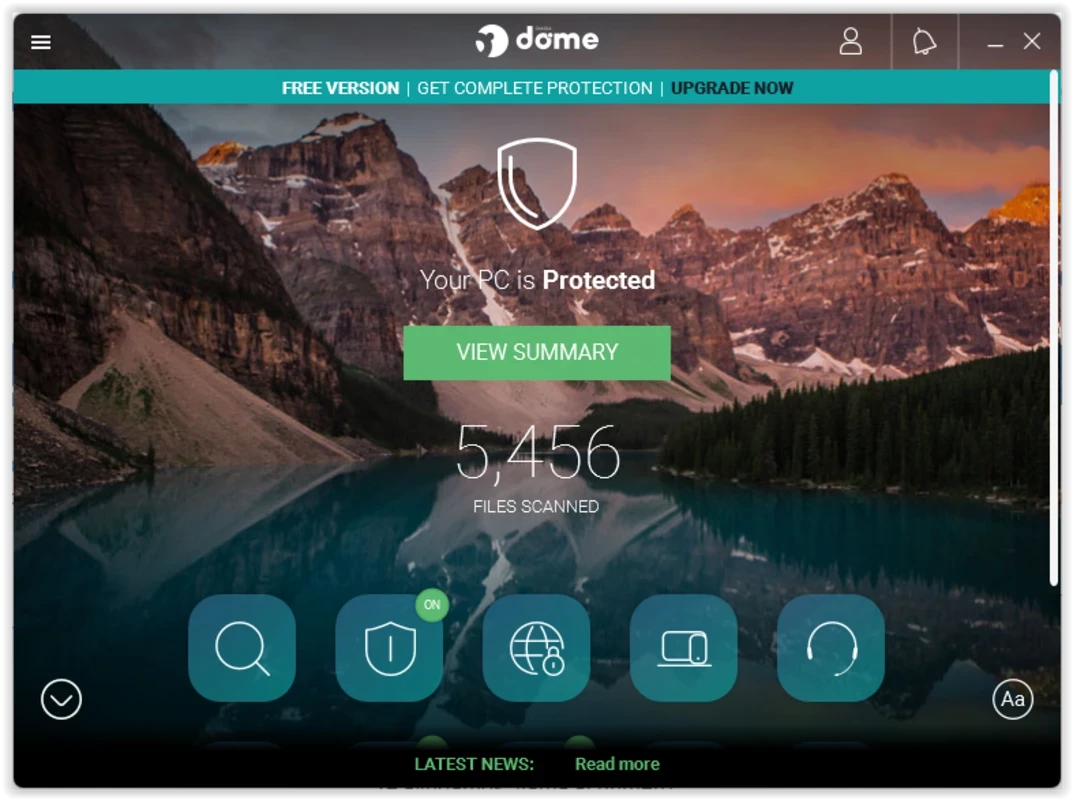
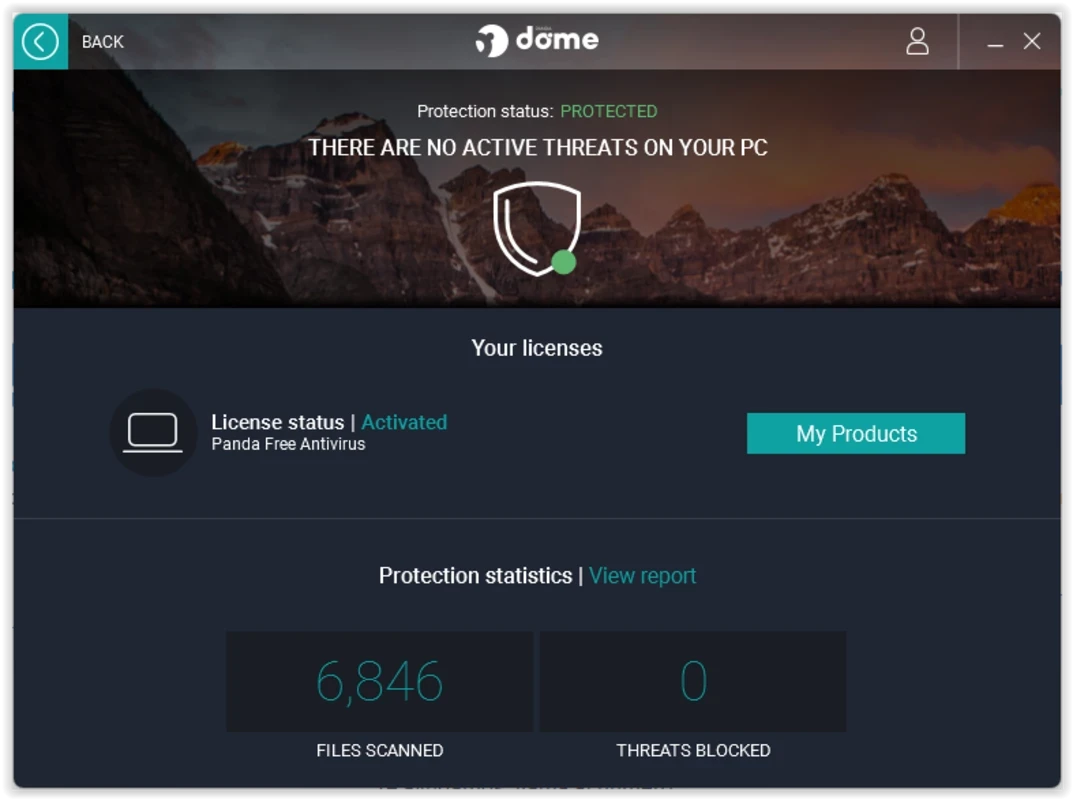
Panda Antivirus 22.03.03 is the Windows antivirus from Panda Security. It scans files and programs for viruses, ransomware and other malware and watches the system in the background. The catalogue lists it as a trial (demo) licence; you can download Panda Antivirus for Windows from the official Panda Security website.
| Item | Details |
|---|---|
| Version | 22.03.03 |
| Developer | Panda Security |
| Platform | Windows (Panda also offers an Android app) |
| Licence | trial / demo |
| Size | about 3.21 MB according to catalogue data |
| Website | pandasecurity.com |
According to Panda's installation requirements:
Like other modern antivirus products, Panda combines scanning of files on disk with real-time protection: programs are checked when they start, downloads when they arrive and USB drives when they are plugged in. Depending on the edition, the product can add a VPN, web protection or other extras; the requirement for VPN protection above shows that this component has its own conditions. For a typical home PC the important thing is simple: one real-time antivirus, kept up to date, and Windows updates installed on time. Running two real-time antivirus programs at once usually causes slowdowns and conflicts rather than better protection, so remove or disable any other product before installing Panda.
An antivirus catches a lot, but not everything. Keep Windows and your browser updated, use a standard user account for daily work, be careful with email attachments and cracked software, and keep a backup of important files on an external drive or in the cloud. Ransomware in particular is far less damaging when a recent backup exists.
The catalogue marks the licence as demo, meaning a trial of Panda's paid protection. Check the current editions and terms on Panda's website before buying and note when the trial ends, so that renewal does not come as a surprise.
Other antivirus programs in our listings include Avast Antivirus, AVG Antivirus, Avira Free Security, Bitdefender Antivirus, Norton Antivirus and 360 Total Security. Malwarebytes and AdwCleaner work well as second-opinion scanners.
Avast Antivirus is a free antivirus program from Avast Software for Windows, also available for macOS, Android and other platforms.

Norton Antivirus is commercial antivirus and computer security software for Windows, available as a trial before purchase.

AdwCleaner is a free Windows tool from Malwarebytes for finding and removing adware, unwanted programs and browser hijackers.

AVG Antivirus is a free antivirus for Windows from AVG Technologies with real-time scanning, web protection and optional paid features.

Avast Clear, also called the Avast Uninstall Utility, is a free Windows tool from Avast that fully removes Avast antivirus products when the standard uninstaller fails.

Adaware Antivirus is a Windows antivirus from Lavasoft, the company behind the long-running Ad-Aware anti-spyware tool, with a free edition.

Malwarebytes for Windows is anti-malware software that scans for and removes malware, ransomware, adware and unwanted programs.

UsbFix is a Windows tool from SOSVirus that detects and removes malware spread through USB flash drives and helps recover files the malware has hidden.